Why people want read-along
Following the words while you listen keeps your eyes on the page. That is useful for a novel you already have as a file, and for staying with a paragraph instead of only hearing it.
How highlighting works in CocoReader
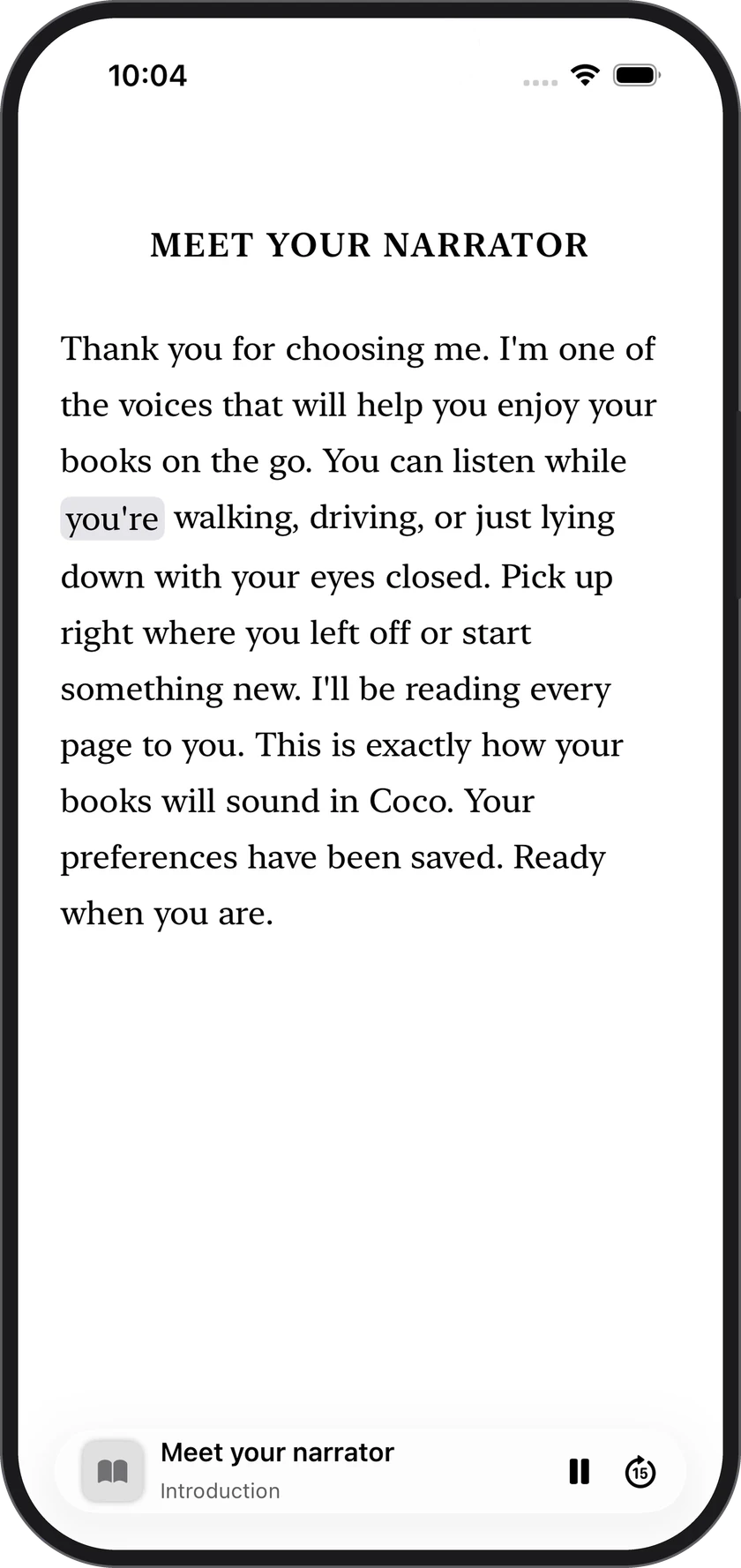
CocoReader: Book to Audiobook highlights each word as the voice speaks it. You can change the speed from 0.75x to 2x. Playback continues with the screen locked.
Get CocoReader (iOS 26.2 or later) and press play on a book you've imported.
Import your file first
Import EPUBs that aren't copy-protected, PDFs, text files, web articles and photos of printed pages on iPhone. EPUB on Mac.
Three steps: save the file, tap Import, press play. See how to listen to an EPUB on iPhone, or the plain-English version at an app that will read my book to me.
Not supported: Word documents (DOCX), MOBI, Kindle formats (AZW, AZW3, KFX), RTF, HTML files, copy-protected EPUBs, and Kindle books.
Limits
- English only, on iPhone with iOS 26.2 or later (a Mac early version is available, EPUB only).
- No dual EPUB + Audible or M4B sync. CocoReader reads the file you import with text to speech.
- No annotation or highlight-and-notes promise. The highlight is the spoken word.
When a dual-file sync app is different
Some apps pair an EPUB that isn't copy-protected with a separately recorded M4B so a human narrator stays in sync with the ebook. That is a different product. CocoReader generates the voice from your file and lights up each word as it speaks. For a wider roundup, see the best EPUB to audiobook apps for iPhone.