CocoReader
LibraryGuidesCompareHow it worksFAQ
Download on the App Store
  1. Home
  2. /Guides
  3. /Listen to a printed page on iPhone

Listen to a printed page on iPhone

By Philip D, maker of CocoReader

In CocoReader: Book to Audiobook.

Last updated: 13 November 2026

Free to download · 7-day free trial on annual Pro
iPhone, iOS 26.2+

In short

In short: Photograph a printed page, or scan one with the camera, and hear it read aloud on iPhone. Text recognition runs on your iPhone.

Last verified 13 November 2026.

On this page

  1. How to hear a printed page
  2. What you can photograph or scan
  3. What stays on your iPhone
  4. What this page is not
  5. FAQ
Back to top
  1. How to hear a printed page
  2. What you can photograph or scan
  3. What stays on your iPhone
  4. What this page is not
  5. FAQ

How to hear a printed page

  1. Open CocoReader on iPhoneOpen CocoReader: Book to Audiobook on iPhone (iOS 26.2 or later).
  2. Photograph, pick a photo, or scanTake a photo of the page, or pick an existing photo (JPEG, PNG or HEIC), or scan the page with the camera.
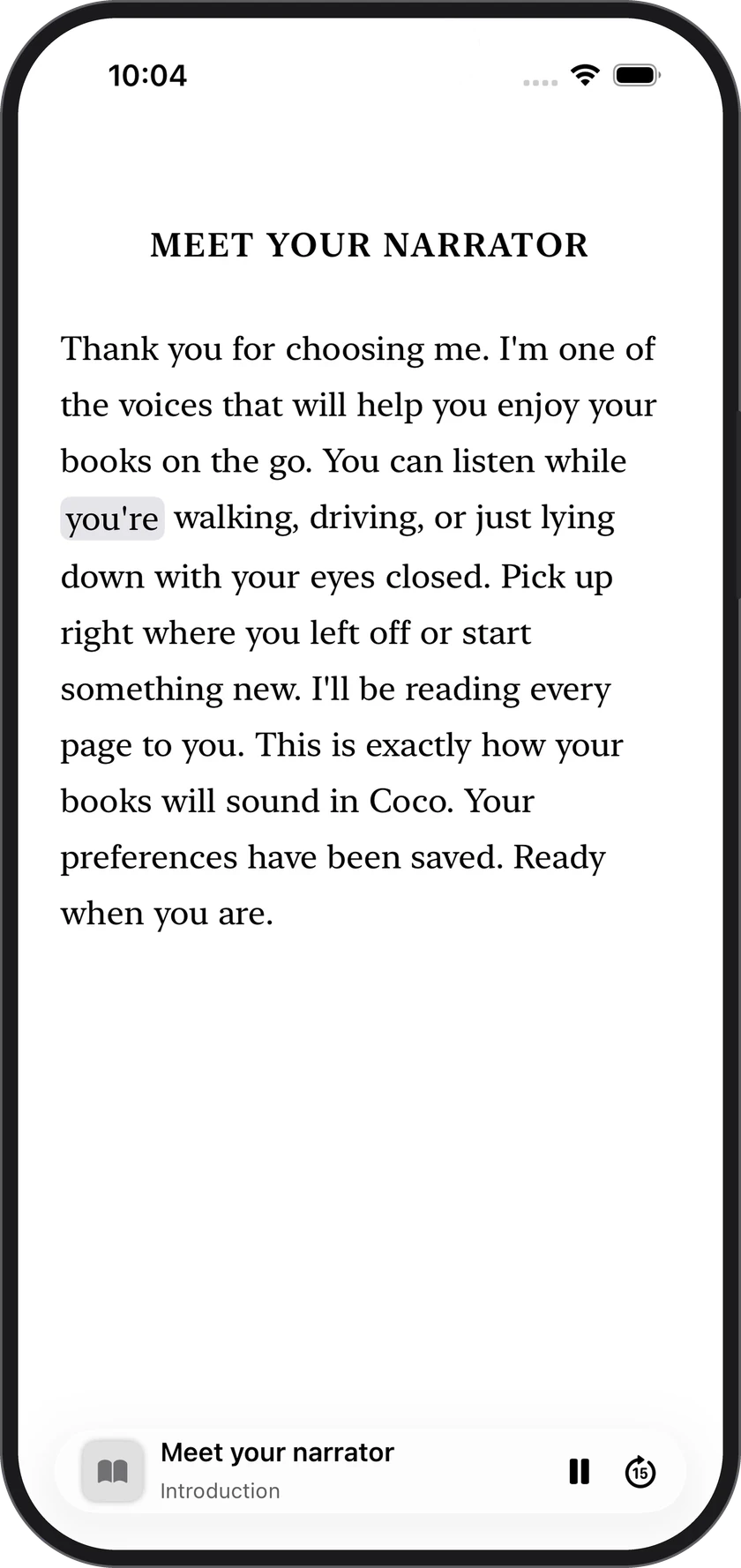
  3. Choose a voice and press playChoose from 20+ narrator voices on iPhone 12 and later, set the speed from 0.75x to 2x, and press play. Words highlight as they're read aloud where text is available.

Get CocoReader: Book to Audiobook (iOS 26.2 or later).

For more on highlighting, see read and listen at the same time.
CocoReader player highlighting each spoken word in Thus Spake Zarathustra as it is read aloud

What you can photograph or scan

Printed pages in English. Formats: JPEG, PNG or HEIC. Camera scan. Text recognition quality depends on the photo. English only.

Import EPUBs that aren't copy-protected, PDFs, text files, web articles and photos of printed pages.

Image-only PDF pages can also be read with on-device text recognition. See the fuller import guide for that related case.

If you would rather start with a classic than a photo, browse the 1,500+ free classics you can download in the app.

What stays on your iPhone

Text recognition for photos and image-only PDF pages runs on your iPhone. You still need internet once to download a voice. Once your voice and books are downloaded, you can listen with no internet connection.

What this page is not

This is not a desktop scanner. Kindle, AZW, MOBI and copy-protected store files will not import. For the fuller list of what will not import, see an app that will read my book to me.

More how-tos live in Guides.

FAQ

Yes. Photograph the page or scan it with the camera, then listen. Import photos of printed pages (JPEG, PNG or HEIC) with on-device text recognition, scan with the camera, or read image-only PDF pages, then listen.

Open CocoReader: Book to Audiobook, scan the page with the camera or pick a photo of it, choose a voice and press play. Words highlight as they're read aloud where text is available. It needs iOS 26.2 or later, and it reads in English.

JPEG, PNG or HEIC. Text recognition quality depends on the photo.

Text recognition for photos and image-only PDF pages runs on your iPhone. You still need internet once to download a voice. Once your voice and books are downloaded, you can listen with no internet connection.

Yes. Photograph the page, scan it with the camera, or import a photo (JPEG, PNG or HEIC), then listen. Scanning and photos of printed pages work on iPhone, iPad and Mac.

Import EPUBs that aren't copy-protected, PDFs, text files, web articles and photos of printed pages.

Keep reading

GuideAn app that will read my book to meImport a book you own on iPhone and listen.Read →GuideHow to listen to an EPUB on iPhoneThe fuller import guide, including image-only PDFs.Read →GuideRead and listen at the same timeWord-by-word highlighting while the voice reads.Read →Library1,500+ free classics you can download in the appStart with a classic instead of a photo.Read →

Hear a printed page in CocoReader

Or read more about the CocoReader Book to Audiobook app.

Free to download · 7-day free trial on annual Pro

CocoReader player playing Thus Spake Zarathustra with the narrator Emma selected
CocoReader

An audiobook reader for iPhone, iPad and Mac. Upload your books, then listen.

support@cocoreader.cc
QR code: download CocoReader on the App Store

Get the app

Scan to download
on your iPhone

  • How it works
  • Features
  • Plans
  • FAQ

  • Free classics library
  • Guides
  • Comparisons

  • Contact us
  • Privacy Policy
  • Terms of Service
  • llms.txt
© 2026 CocoReader.
Made for listening to the books you own.
Download on the App Store

Free to download · 7-day free trial on annual Pro