Readers compared
To read an ebook on iPhone, Apple Books opens EPUB files and is already installed; a reader app like CocoReader opens them too. If you want the book read aloud as well, CocoReader reads books you own aloud on iPhone with each word highlighted as it's read, and it imports EPUBs that aren't copy-protected, PDFs, text files, web articles and photos of printed pages.
Facts below come from each app's own website or Apple Support, against each app's own website or Apple Support, . CocoReader is our app. A cell the source does not state is marked Not stated.
| Reader | Reads whole books aloud | Word highlighting | Keeps playing with the screen locked | Import routes | Source |
|---|---|---|---|---|---|
| Apple Books + Speak Screen | Speak Screen reads the text on the screen. | Highlight style for in-app text that is spoken aloud (Speak Screen). | Not stated | Books app: titles from the Book Store or manually added, including ePub books and PDFs. | Apple Support (Speak Screen); Apple Support (Books); Apple Support (ePub in Books)checked 16 Nov 2026 |
| CocoReaderour app | Reads books you own aloud on iPhone. | Words highlight as they're read aloud. | Playback continues with the screen locked or the app in the background. You can control playback from the lock screen. | Import EPUBs that aren't copy-protected, PDFs, text files, web articles and photos of printed pages. | CocoReaderchecked 16 Nov 2026 |
| Éist | Turns EPUB and PDF files, web articles and fanfiction into listening. | Word-by-word read-along, synced to audio. | Background playback while you use other apps, and lock-screen controls without unlocking the phone. | EPUB and PDF; paste a link; fanfiction from AO3, Royal Road and FicHub; Project Gutenberg in the app. | eist.appchecked 16 Nov 2026 |
| Voice Dream Reader | Turns PDFs, articles, reports and books into audio. | Not stated | Not stated | PDFs, EPUBs, Word documents, PowerPoint files, web pages, and more. | voicedream.comchecked 16 Nov 2026 |
| JustRead | Any EPUB or PDF you own reads itself to you, from the line where your eyes stopped. | Words light up as they're spoken, and the pages turn themselves. | A prepared book keeps playing with the screen locked. | EPUB and PDF, CBZ and CBR comics, and audiobook files (m4b, mp3, m4a, aac, flac); Project Gutenberg and other OPDS catalogues. | justread.app; justread.app (Read Aloud)checked 16 Nov 2026 |
| TTSReader | Reads PDFs, ebooks, documents, scans and web articles aloud. | Highlights every word as it speaks. | Lock Screen and Live Activity controls. | PDF, EPUB, Word (DOCX), ODT, RTF, HTML, plain text and Markdown; photos and camera scans; paste a link; Project Gutenberg catalogue. | ttsreader.appchecked 16 Nov 2026 |
Where other readers are better
If you mostly read, Apple Books or a reading-first app gives you more typography and library control. If you want the book read aloud with words highlighting, that's what CocoReader is for.
Apple Books is already on iPhone. Its own guide covers fonts, themes, spacing and collections, so it is the stronger pick when you want to sit and read.
JustRead is a reading-first library: typography, comics, custom fonts, and your own audiobook files in the same place. Voice Dream Reader's own site starts from accessibility: VoiceOver, Dynamic Type, Voice Control and braille. Éist puts Project Gutenberg in the app, with sleep timers and lock-screen controls. TTSReader lists 31 languages and file types CocoReader does not, including Word, ODT and RTF.
CocoReader is our app. It reads books you own on iPhone with natural narrator voices. English only. iOS 26.2 or later. No sleep timer.
How to open a book on iPhone
Three steps in CocoReader: save the file, tap Import, press play. See listen to an EPUB on iPhone.
No file yet? 1,500+ free classics you can download in the app: browse the library.
How to have it read aloud
Speak Screen (Apple Support): open Settings, tap Accessibility, then Read & Speak, and turn on Speak Screen. Open the book in Apple Books and swipe down with two fingers from the top of the screen.
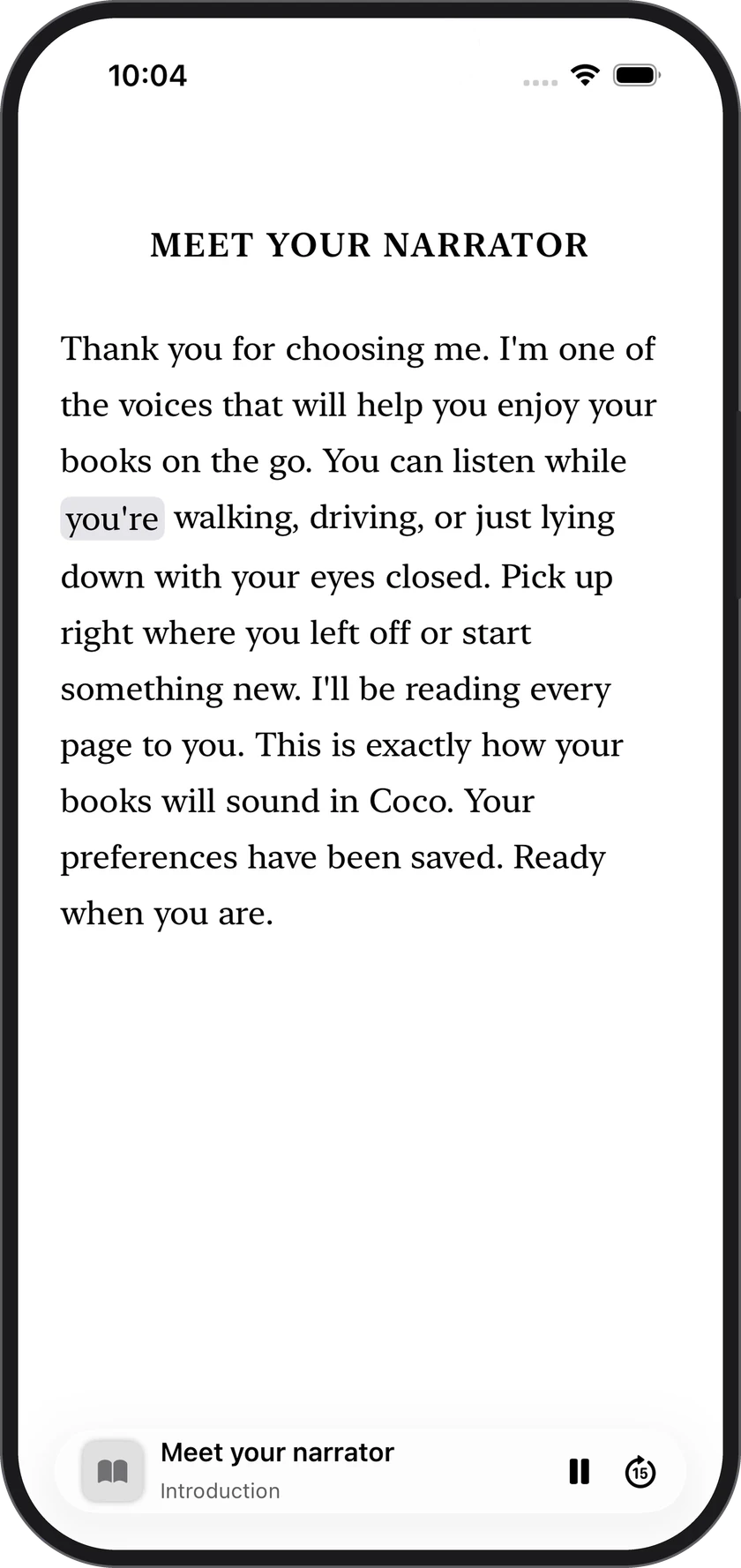
In CocoReader, import a book you own, pick a natural narrator voice and press play. Words highlight as they're read aloud, so you can read and listen at the same time.
For a wider apps table, see best EPUB to audiobook apps.
Which files work
Import EPUBs that aren't copy-protected, PDFs, text files, web articles and photos of printed pages.
Copy-protected Kindle or Apple Books files will not import. Books bought inside Kindle or Audible stay in those apps. No reader app can import a copy-protected store file.
To start without a file of your own, download one of the 1,500+ free classics you can download in the app.